Order, payment and deposit forms that don't leak sales
How to build product order, deposit and subscription forms that collect payment cleanly, cut abandoned carts and keep fulfilment simple.
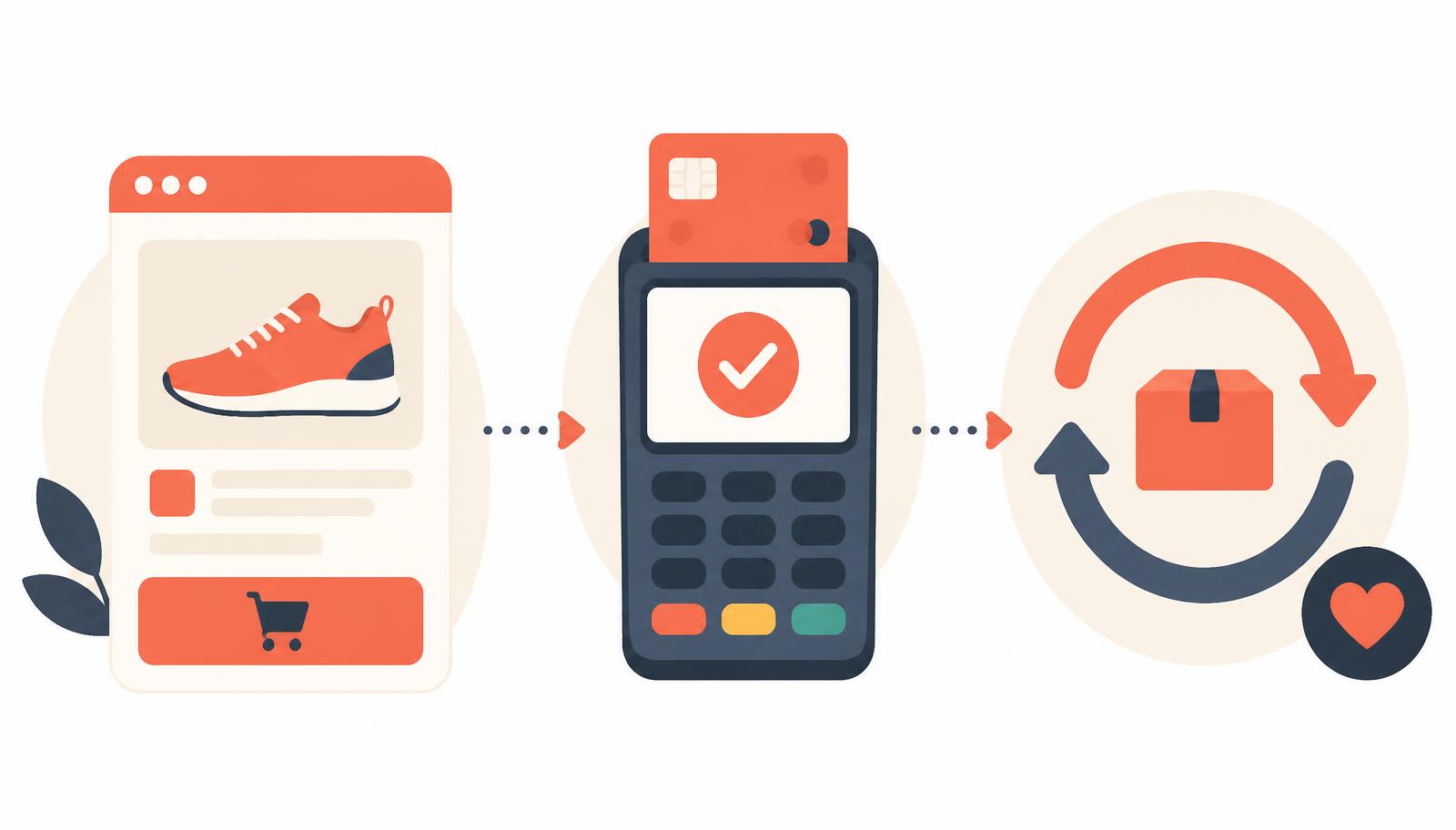

Not every seller needs a full storefront. A market stallholder taking pre-orders, a studio selling one course, a caterer quoting by the tray — these businesses need a form that takes an order and takes money, without the overhead of a cart, inventory sync or checkout plugin. That form is doing the job of an entire e-commerce platform in a single page, so it has to earn trust fast and never lose the sale to friction.
Start with the process, not the fields
Before you add a single field, decide three things: what you're actually charging for right now (full amount, deposit, or a plan), what happens the moment someone pays, and who gets notified. A form that takes card details but has no clear next step — no receipt, no fulfilment email, no owner alerted — creates support tickets instead of preventing them. Map the order-to-fulfilment path first, then build the form to match it exactly.
Browse the templates: every e-commerce and payment form template on HelloForms is listed on the e-commerce and payment templates page — this guide is about choosing between them.
Start from a ready-made order form
Free to preview, yours to edit — every question, rule and colour stays editable.
Product Order Form
Direct-to-consumer order form with quantity selectors and item variations.
Stripe Subscription Form
Recurring membership or SaaS billing signup.
Pre-Order Form
Collect early commitments and deposits for upcoming merchandise.
PayPal Business Payment Form
Secure collection form routing checkout straight through PayPal.
Catering Order Form
Food and beverage selection matrix with pickup or delivery time pickers.
Gift Card Purchase Card
Buy and personalise a gift card, one question per screen.
The order and payment forms worth getting right
1. Product order form
This is the workhorse: item selection, quantity, variant (size, colour, flavour), and a running total that updates as choices change. Show the total before the payment step, not after — nobody wants to enter card details to discover the price. If you sell a handful of products, list them with images rather than a dropdown; recognition beats recall and cuts wrong orders. Common mistake: forgetting to cap quantity against stock, which turns a form into an overselling machine.
2. PayPal or card business payment
Keep this one narrow. A generic "make a payment" form should ask what the payment is for (invoice number, order reference, or a short description), the amount if it isn't fixed, and the payer's name and email for the receipt. Don't bury the amount field below unrelated questions — payment forms are abandoned at the first sign of confusion about how much is actually owed.
3. Subscription sign-up
Recurring billing forms need to state the cadence and the price together, in plain language, right next to the payment field — "£19/month, cancel anytime" does more for conversion than a paragraph of terms. Capture billing name and email precisely as they appear on the card to avoid failed payments, and always show what happens if a renewal fails. Mistake to avoid: hiding the cancellation policy until after sign-up, which invites chargebacks.
4. Deposit and pre-order form
Deposits work when the form is explicit about what's paid now and what's paid later. Spell out the balance, the due date and the cancellation terms before the payment field, not in an email afterwards. For pre-orders, include an expected fulfilment window so buyers aren't chasing you for a ship date. This is also the form where a clear item description matters most, since the product may not exist yet in any other system.
5. Catering or bulk order form
These forms live and die on quantities and dates. Ask for the event date, headcount, and any dietary flags as a multi-select rather than free text, so kitchen staff can scan orders quickly. Add a cut-off time for orders per delivery date and enforce it with logic rather than a note nobody reads.
6. Gift card purchase
Split the buyer from the recipient clearly: two name fields, two email fields, and an optional delivery date so a gift card can arrive on the right morning rather than immediately. Let the buyer add a short personal message, and confirm the amount charged distinctly from the card's face value if there's any processing fee.
Trust, security and the small print
Any form asking for card details needs a visible security cue — a lock icon, a line naming the payment processor, or both — placed near the field, not in the footer. State your refund and cancellation policy on the form itself, linked or summarised, so buyers aren't discovering it only after they've paid. Always send an automatic receipt on submission; a manual "we'll email your confirmation shortly" line is where trust erodes fastest. If VAT or sales tax applies, show it broken out rather than folded into a single total figure — buyers query totals they can't reconcile.
Common mistakes that cost sales
- Asking for shipping address before showing the total, so buyers can't judge cost before committing to more typing. - No order summary before the final submit — people want to check what they're buying before they pay for it. - Treating optional add-ons and required fields the same way visually, which makes upsells feel mandatory and required fields feel skippable. - No clear point of contact for order changes, leaving buyers to guess whether a reply email even reaches anyone.
A quick checklist before you publish
- Does the total update live as choices change, before payment?
- Is the payment cadence (one-off, deposit, subscription) stated in plain words?
- Does every buyer get an automatic, itemised receipt?
- Are refund, cancellation and delivery terms visible on the form itself?
- Have you tested the full flow with a real card in test mode?
- Does someone get notified the moment an order comes in?
Get these right and the form stops feeling like a workaround and starts behaving like the checkout your customers expect.
Copy one of these and edit it in minutes
Free to preview, yours to edit — every question, rule and colour stays editable.
Product Order Form
Direct-to-consumer order form with quantity selectors and item variations.
PayPal Business Payment Form
Secure collection form routing checkout straight through PayPal.
Stripe Subscription Form
Recurring membership or SaaS billing signup.
Related reading: Donation and alumni forms that don't lose the gift halfway through · The salon and spa forms that protect your chairs, not just fill them · Childcare forms that get pick-up authority and permissions right
Ready-made forms for this article
Start from a template that already collects what this post recommends — you can edit every question afterwards.
- Use this template
Product Order Form
Direct-to-consumer order form with quantity selectors and item variations.
E-Commerce & Payments11 questionsClassic layoutMatches: payments, order, payment
- Use this template
Bulk Order Inquiry
A one-off quantity enquiry from any buyer: products and quantities, delivery date and address, branding needs, budget and whether a sample is wanted first.
E-Commerce & Payments24 questionsClassic layoutMatches: payments, order, payment
- Use this template
Gift Card Purchase Form
Sell a digital or physical gift card with amount, delivery method, recipient details and a personal message.
E-Commerce & Payments9 questionsClassic layoutMatches: payments, order, payment