Seven conditional logic patterns that quietly finish more forms
Skip logic, field remapping, hidden URL fields and four more patterns that cut abandonment — each with the templates in our hub that already ship them.
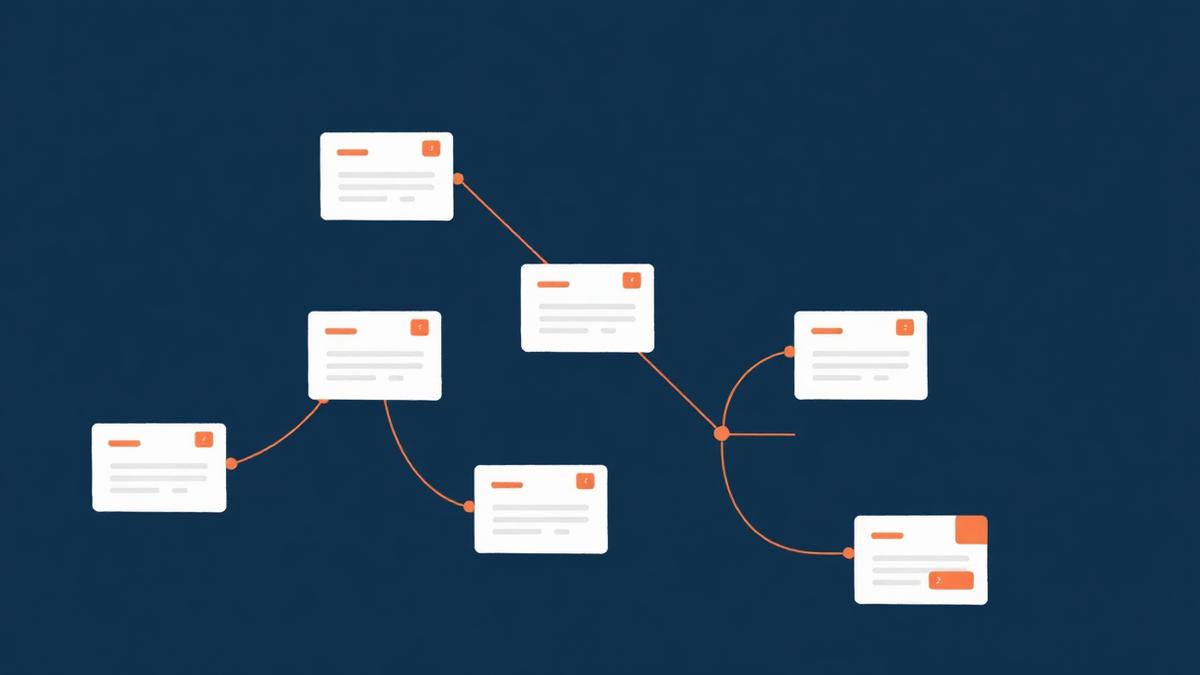

Most abandoned forms are not too long. They are too irrelevant: they ask a sole trader for a company registration number, they demand a delivery address for a collection order, they make someone type the campaign they arrived from. Every one of those is a logic problem wearing a length costume.
Conditional logic is how a single form behaves like a dozen tailored ones. Below are seven patterns worth knowing, in the order they usually pay off, with the templates in the template hub that already implement them. Each pattern also maps to a Logic Condition Type filter on the templates page, so you can browse working examples rather than starting from an empty canvas.
Key takeaways
- Show/hide is the cheapest win; skip logic is the one that rescues long forms.
- Conditional required beats "mark everything optional and chase by email".
- Hidden URL fields keep attribution without adding a single visible question.
- Routing rules turn a form into a workflow: the right team sees it first.
- Rules drift as forms change — audit them, and repair them in bulk.
1. Show and hide: ask the follow-up only when it exists
The pattern: a question appears only when an earlier answer makes it meaningful. "Do you have a pet?" reveals "how many, and what type?" — otherwise the pair never appears at all.
Why it works: perceived length drops without any real data loss. People judge a form by what they can see, so a form that reveals four fields to one person and eleven to another feels short to both.
Do it well:
- Hide blocks, not single fields. One reveal that shows three related questions reads better than three separate pop-ins.
- Never hide something a person has already answered — clearing hidden answers silently is how support tickets start.
- Keep the trigger question above the revealed block. Reveals below the fold look like nothing happened.
Templates to copy: quick vet appointment and spa intake health questionnaire both reveal follow-ups only for the answers that need them. Filter the templates page by Show / hide fields to see the rest.
2. Skip logic: jump past pages that do not apply
The pattern: a whole page or section is bypassed based on an earlier answer. A single applicant never sees the co-applicant page; a returning customer never sees the "about your organisation" page.
This is the highest-value pattern in long forms, and it is different from show/hide in one important way: it changes the journey, not just the visible fields. That means it also changes the progress indicator, so a person who qualifies for the shorter path can see they are nearly done.
Do it well:
- Decide the skip on the earliest possible question, ideally page one.
- Make sure every branch reaches the same submit page — orphaned branches are the classic long-form bug.
- Re-check the progress label after adding a skip; "step 4 of 7" is a lie if two of those steps can never appear.
Templates to copy: rental housing application and scholarship application both branch early to keep the ineligible or simpler cases short. Browse Applications & Memberships for more, or filter by Skip logic on the templates page.
3. Conditional required: mandatory only where it matters
The pattern: a field is required on one path and irrelevant on another. "VAT number" is required for business customers only. "Parent or guardian name" is required only when the participant is under 18.
The alternative — making everything optional and chasing the gaps afterwards — is expensive twice: once in admin time, and once in the submissions you never complete because the person stopped replying.
Do it well:
- Say why the field became mandatory in the helper text. "Required for business invoices" removes the sense of arbitrary gatekeeping.
- Keep validation messages specific. "Please add a VAT number so we can invoice your company" beats "This field is required".
- Test both branches after every edit. Conditional required is the rule most likely to trap a person in an unsubmittable state.
Templates to copy: field trip permission slip and quick parent permission both switch requirements on age and consent answers. The Consent, Waivers & Releases category is full of these.
4. Field remapping: write an answer into the field the workflow expects
The pattern: an answer is copied or rewritten into another field so downstream systems receive what they expect. A person picks "Delivery" and their billing address is copied into the shipping address; a service choice sets an internal category code; a free-text location becomes a normalised region value.
This is the pattern that eliminates re-typing — both for the visitor ("same as billing address") and for your team, who otherwise translate answers into CRM-friendly values by hand.
Do it well:
- Remap into a clearly named internal field, not over the person's own answer.
- Keep the mapping table in one place; scattered per-field rules are the hardest thing to audit later.
- Show remapped values in the submission view so support can see what the workflow received.
Templates to copy: product order form and quick reorder form both carry answers forward instead of asking twice. Filter by Field remapping on the templates page for the full list.
5. Hidden URL fields: keep context without asking for it
The pattern: values arrive in the link — campaign, referrer, agent ID, property reference, clinic location — and land in hidden fields on submission.
This is how a three-field form still reports accurate attribution. It is also how one template serves fifty listings: the property reference comes from the URL, so the visitor never picks from a dropdown of fifty options.
Do it well:
- Whitelist the parameters you accept, and treat everything else as untrusted noise.
- Never put anything sensitive in a URL parameter; links get shared, logged and screenshotted.
- Label hidden fields in the submission view so the team knows where the value came from.
Templates to copy: open house sign-in, quick viewing request and influencer & affiliate application all read context from the link. Filter by Hidden URL fields to browse more, and see Real Estate & Property for the listing-level use case.
6. Payment branching: charge what the answers imply
The pattern: what is charged depends on earlier answers. Member versus non-member pricing, a deposit for callouts outside the service area, a per-attendee ticket total, an optional add-on that changes the amount.
Do it well:
- Show the running total before the payment step. A price that only appears at checkout reads as a trick.
- Keep the price logic in the form, not in a mental note the team applies afterwards.
- Confirm the final amount in the receipt and the notification email, not just on screen.
Templates to copy: Stripe subscription, conference registration with payment and catering order. The E-Commerce & Payments category covers deposits, pre-orders and recurring payments.
7. Routing and alerts: send it to the person who can act
The pattern: the submission is delivered based on an answer. Faults to maintenance, sales enquiries to the regional team, safeguarding reports to a named inbox, out-of-hours callouts to an on-call number.
Routing is the pattern most likely to change your response times rather than your conversion rate — which is often the metric that actually matters.
Do it well:
- Always define a default recipient. Unmatched submissions must never fall into silence.
- Route on a closed choice field, never on free text.
- Log which rule fired, so a missed handover can be explained.
Templates to copy: community incident report, facility maintenance request and quick delivery issue. Filter by Routing & alerts on the templates page.
Combining patterns without creating a maze
Three habits keep a logic set maintainable as it grows:
Branch early, converge late. Decide the path on the first page and bring every branch back to a shared submit page. Wide-then-narrow is easy to reason about; narrow-then-wide is not.
One rule, one purpose. A rule that hides a field, marks another required and changes the price is impossible to debug. Write three.
Name your paths. "Business path" and "Consumer path" in your own notes will save an hour six months from now.
Auditing logic that has drifted
Forms change; rules do not follow automatically. Rename an option and a rule may still be watching for the old value. Delete a question and a rule can be left pointing at nothing. Both fail quietly — the form still submits, it just stops behaving.
The logic linter surfaces the four common drifts: a rule comparing against a value the field no longer offers, a rule referencing a deleted question, a rule that triggers itself, and duplicate rules doing the same job twice. When several rules share the same root cause, the bulk fix flow repairs them together and shows a line-by-line change preview before anything is written, so you can read the diff first. The full walkthrough — including the keyboard shortcuts for applying, undoing and redoing repairs — is in repairing logic warnings, and the underlying rule model is documented in the conditional logic guide.
A short build order
- Start from the closest template in the hub, filtered by industry, length and Logic Condition Type.
- Add show/hide first; it usually removes a third of the perceived length.
- Add skip logic if the form spans more than two pages.
- Add conditional required only where a missing answer would block the work.
- Add hidden URL fields before you launch any campaign, not after.
- Add routing before volume arrives, and test both the matched and default paths.
- Re-run the linter after every structural change, and read the change preview before applying a bulk repair.
None of these patterns need a developer, and none of them are exotic. They are just the difference between a form that asks everyone everything and a form that asks each person only what applies to them.
Ready-made forms for this article
Start from a template that already collects what this post recommends — you can edit every question afterwards.
- Use this template
Conditional Logic Demo Form
A working example of branching: show, hide, require and page skip rules you can copy into your own form.
Technology, SaaS & Dev18 questionsClassic layoutMatches: logic, conditional, skip
- Use this template
Quick Vet Appointment Request
Pet, symptom, urgency and a number — triage-ready in four fields.
Pets & Veterinary4 questionsOne question per screenMatches: fields, four
- Use this template
Diary Study Check-in
A short repeating entry participants complete daily: what happened, how it felt, what got in the way.
Research & Data Collection9 questionsOne question per screenMatches: field