Learn
Quick Parent Permission Slip
One-screen permission slip a parent can sign on a phone at the school gate.
Card form
5 fields
Every template is a real, editable form — preview it right here without an account, then load it into the classic or card builder in one click.
When matches are listed, use the up and down arrow keys to review them and Enter to open the highlighted template. Press Escape to dismiss the list.
Try:
Showing 1–24 of 78 templates · sorted by best match
One-screen permission slip a parent can sign on a phone at the school gate.
Collect trip consent with medical notes, transport and emergency contacts.
Collect parental consent for a school trip, with medical notes, emergency contacts, transport and payment.
Digital permission slip with medical notes, emergency contacts and a parent signature.
A permission slip that covers the destination, travel method, times, cost and what to pack.
Ask permission by use — daily updates, newsletters, website, social media — rather than all or nothing.
Get written permission to give a named medication, with dose, timing and storage recorded exactly.
Submit an academic appeal clearly: the decision being appealed, the grounds, what happened and when, supporting evidence and the outcome sought.
Register children for clubs with sessions, collection and consents.
Student coursework upload with class, due date, honour pledge and late-submission reason tracking.
Vet babysitters and nannies on experience, checks and references.
A student or parent can report bullying: what happened and where, who was involved, how long it has gone on, what they want to happen and who may know.
Give childcare staff a clear record of a child's allergies, family contacts, current care plan, and medication handoff details before the first day.
Tell childcare staff about a custody-related change, share relevant documents securely, and request a review before the next handover or collection time.
Record each child's medication event with the scheduled time, actual dose, staff name, and missed-dose notes so the next caregiver has a clear handoff.
Name who may collect a child, with ID rules and password control.
Help caregivers follow your child's usual sleep routine with clear nap timings, settling cues, comfort preferences, and notes on recent changes.
Help families request childcare assistance with a clear application covering household size, care needs, income, and documents for your team's review.
Collect childcare waitlist requests with each child's age, preferred start date, and schedule, so your team can match families to suitable openings.
End-of-class feedback on the session, the instructor and the materials, with rated criteria and one improvement.
Lesson observation record with timed notes, rated teaching standards and agreed next steps.
Let parents pick an available time slot for a parent-teacher conference and note any topics to discuss.
Enrolment with programme choice, prior learning, payment preference and terms consent.
End-of-course evaluation covering content, instructor, materials and outcomes — anonymous by default.
Popular templates people pick alongside these.
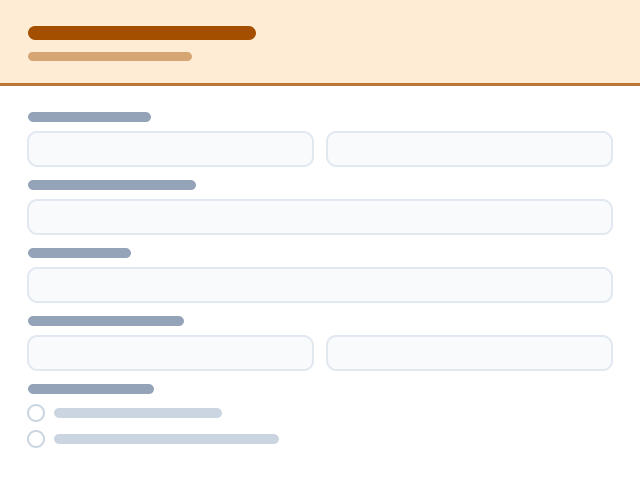


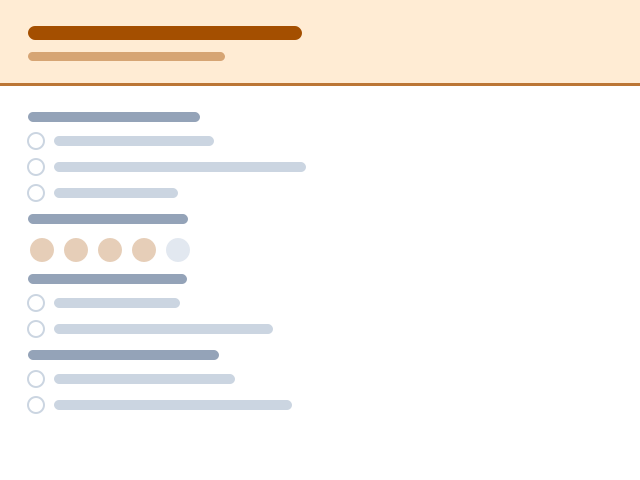
Each layout has its own page with the full list of templates — pick a category in the browse rail below.
Templates are shortcuts, never constraints. Every form and every template is fully editable — bespoke in both design and purpose. Build for a niche nobody has templated yet, or start from an empty canvas and design it exactly your way.
Rename, reorder, add or delete any field. Switch between classic and card layouts at any time.
Your colours, fonts, logo, cover art and custom CSS — designers aren't boxed into our presets.
No template that fits? Open a blank form and build the exact flow your workflow needs.
Don't see your industry? It doesn't matter — every template is a starting point, not a template you're stuck with. Rewrite fields, restyle everything, or start from a blank canvas.
Want the thinking behind these layouts? Read our form design guides on the blog.