Learn
Exam Registration Form
Register candidates for exam sittings — subject, level, access arrangements and fees.
Classic form
13 fields
2 pages
Every template is a real, editable form — preview it right here without an account, then load it into the classic or card builder in one click.
When matches are listed, use the up and down arrow keys to review them and Enter to open the highlighted template. Press Escape to dismiss the list.
Try:
Showing 1–22 of 22 templates · sorted by best match
Register candidates for exam sittings — subject, level, access arrangements and fees.
Register a candidate for a sitting, capture access needs and take the entry fee details.
Take a structured challenge to a result, with grounds, evidence and the fee position stated.
Pre-exam optometry intake: recent vision changes, current glasses or lenses, screen and driving needs, eye history, and relevant general health.
Register a student for ongoing tutoring with subject, goals, availability and a billing preference.
Pre-participation physical completed by a clinician: history, cardiac and neurological screening, examination findings and a clearance decision.
Prove a mandatory course was completed and understood, with a retake path when it was not.
Check a new starter or visiting contractor understood the site rules before they work.
Run a short quiz after a lesson or briefing and see instantly who understood it.
A timed, numbered test paper with one answer per question and a declaration at the end.
Screen candidates on reasoning and job-relevant judgement before the first interview.
Rate a person against the skills a role needs and capture the evidence behind each rating.
Medical history and background disclosure with a compliance focus.
Register a home-educated child: family and child details, the approach and subjects planned, assessment, support needed and the required declarations.
Ten true-or-false statements, one tap each — the fastest quiz format there is.
End-of-class feedback on the session, the instructor and the materials, with rated criteria and one improvement.
Test whether your team can spot a breach, a subject request and a bad sharing habit.
Let learners score their own confidence, then ask for the support the low scores point at.
End-of-term teaching and course feedback with ratings, workload and open comments.
A ready-made completion quiz — swap in your own sentences, keep the scoring structure.
A ready-to-run multiple choice test — ten swappable questions, four options each, structured for easy grading.
Digital permission slip with medical notes, emergency contacts and a parent signature.
Popular templates people pick alongside these.

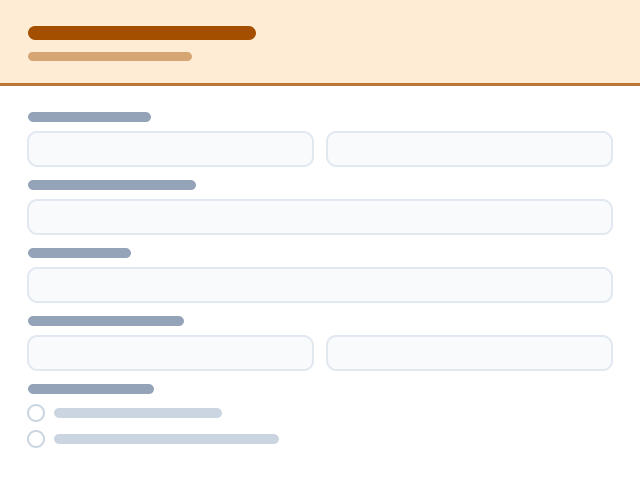


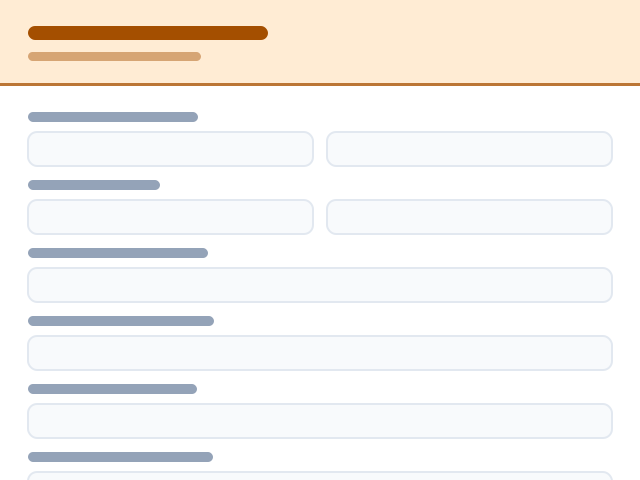
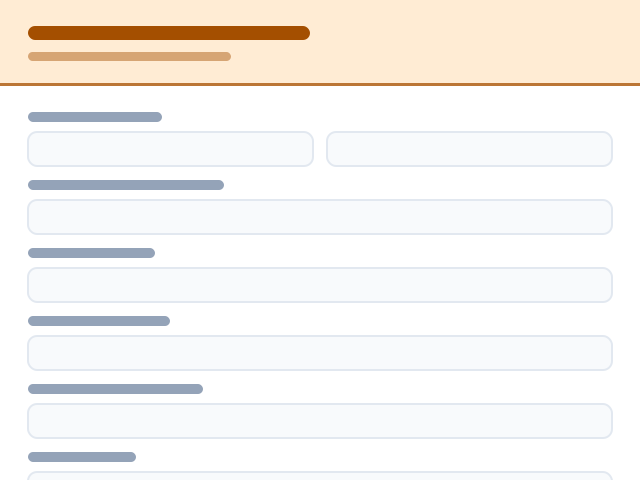
Each layout has its own page with the full list of templates — pick a category in the browse rail below.
Templates are shortcuts, never constraints. Every form and every template is fully editable — bespoke in both design and purpose. Build for a niche nobody has templated yet, or start from an empty canvas and design it exactly your way.
Rename, reorder, add or delete any field. Switch between classic and card layouts at any time.
Your colours, fonts, logo, cover art and custom CSS — designers aren't boxed into our presets.
No template that fits? Open a blank form and build the exact flow your workflow needs.
Don't see your industry? It doesn't matter — every template is a starting point, not a template you're stuck with. Rewrite fields, restyle everything, or start from a blank canvas.
Want the thinking behind these layouts? Read our form design guides on the blog.